 A VETERAN OWNED SMALL BUSINESS |
Top Video Marketing Software for Small Businesses in 2026: 7 Platforms Reviewed
Video now tops content ROI charts—93 percent of marketers report a positive return. Yet shooting, editing, hosting, and tracking clips still strain small businesses with limited time and budget. Purpose-built platforms such as Spotlightr embed lead-capture forms, while others focus on creation, hosting, or live streaming. This guide tests seven standout tools updated through 2025, comparing features, pricing, and real-world fit so you can pick the right mix.
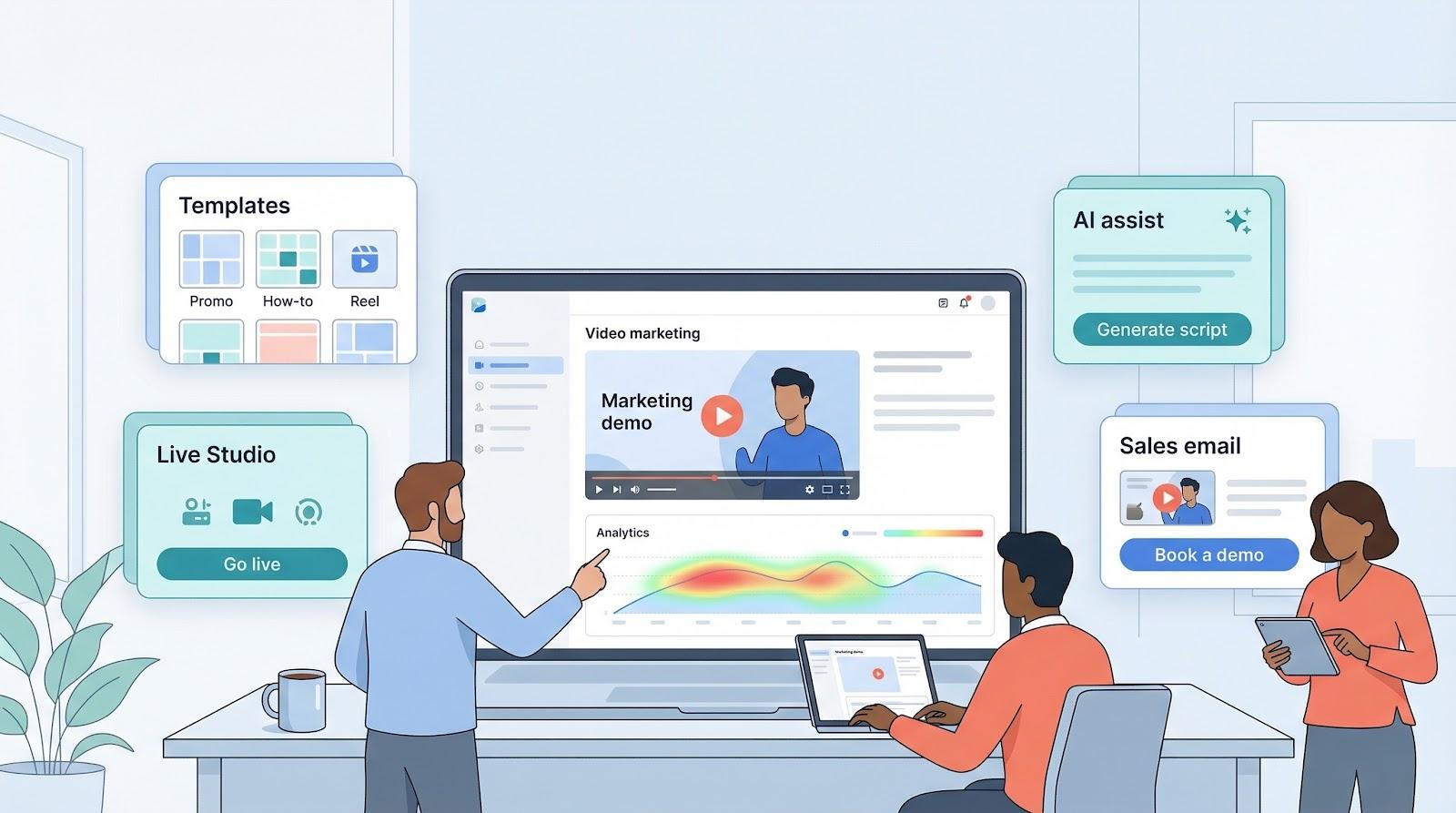
Use this grid to compare starting price, free access, signature strengths, and recent user ratings.
| Platform | Free tier | Starting price* | Stand-out strength | User rating |
|---|---|---|---|---|
| Spotlightr | 14-day trial | $13 / mo | Interactive lead capture, encryption | 4.8★ (Capterra) |
| Wistia | 10 videos | $99 / mo | Brandable player, heat-map analytics | 4.6★ (G2) |
| Vidyard | Unlimited videos<br>(30-min max) | $59 / mo per user | Personalized sales videos, CRM sync | 4.5★ (G2) |
| Vimeo | 500 MB / week | $12 / mo | Ad-free HD hosting, privacy locks | 4.3★ (G2) |
| Canva | Forever free | $13 / mo | Drag-and-drop video templates | 4.7★ (G2) |
| Wave.video | Limited | $24 / mo | Live, edit, host in one dashboard | 4.6★ (G2) |
| Lumen5 | 720p with watermark | $19 / mo | AI text-to-video automation | 4.5★ (G2) |
*Annual billing where available.
Two clear patterns emerge.
First, every vendor provides either a free tier or a no-credit-card trial, letting you test without risk.
Second, pricing rises with marketing depth. Hosts that embed forms, sync to CRMs, or lock content sit in the mid- to upper brackets, while creation-only apps stay lower because they leave hosting to you.
Keep these tiers in mind as you move into the individual reviews.
1. Spotlightr – Best for Marketing Features on a Budget
Spotlightr’s toolbox feels purpose-built for scrappy marketers, and its Spotlightr for marketers resource hub details how in-player CTAs and on-finish triggers can capture leads the moment interest peaks.
Spotlightr turns every video into a mini landing page.
Upload a clip, add a timed button or email gate, and the player starts capturing leads without extra code or plugins. That conversion boost arrives in just a few clicks.
The platform also guards assets. Built-in encryption and domain restrictions keep paid courses or private demos from appearing on pirate sites, so you decide who watches, where, and what happens next.
Because it combines marketing muscle with security at a low price, small teams keep ranking Spotlightr as the best-value host for 2026.
(Key features, pricing, and real-world fit follow next.)
Spotlightr’s toolbox feels purpose-built for scrappy marketers.
Interactive elements come first. Timed buttons, opt-in gates, and overlay banners sit inside the player and steer viewers to a signup form or checkout page without leaving the video. That single tweak often lifts conversion rates more than a redesigned landing page.
Next is security. The platform combats “right-click download” culture with encryption and tight domain control, so rivals cannot copy your paid course or demo. Viewers see content only where you decide, under the branding you set. A TopBusinessSoftware comparison backs up those claims.
Finally, analytics. Heat maps show every rewind and drop-off moment. Pair that with A/B tests on thumbnails or calls to action, and you know which creative drives revenue, not just views.
All of this runs on Spotlightr’s cloud or, if you prefer, on top of a YouTube or AWS link you already own. You get the polish of a premium player without re-uploading existing libraries.
Spotlightr keeps its entry point low on purpose.
The Light plan costs $13 per month and covers 25 videos with 50 GB of storage—plenty for a growing library of explainers, testimonials, or course modules. Step up to Plus at $21 and the video cap disappears, giving unlimited uploads and a 200 GB pool for bandwidth spikes.
Every paid tier includes the same conversion tools and security settings. You do not pay extra to remove watermarks or to add an opt-in form. That flat approach feels refreshing when rivals hide core features behind higher pricing walls.
Run the math and Spotlightr often lands at one-fifth the cost of Wistia once you host more than a handful of videos. For a bootstrapped shop, that savings can fund extra ad spend or a freelance editor.
Bottom line? If you need premium marketing features without a premium invoice, Spotlightr is a smart pick.
2. Wistia – Best for Brand-Focused Hosting
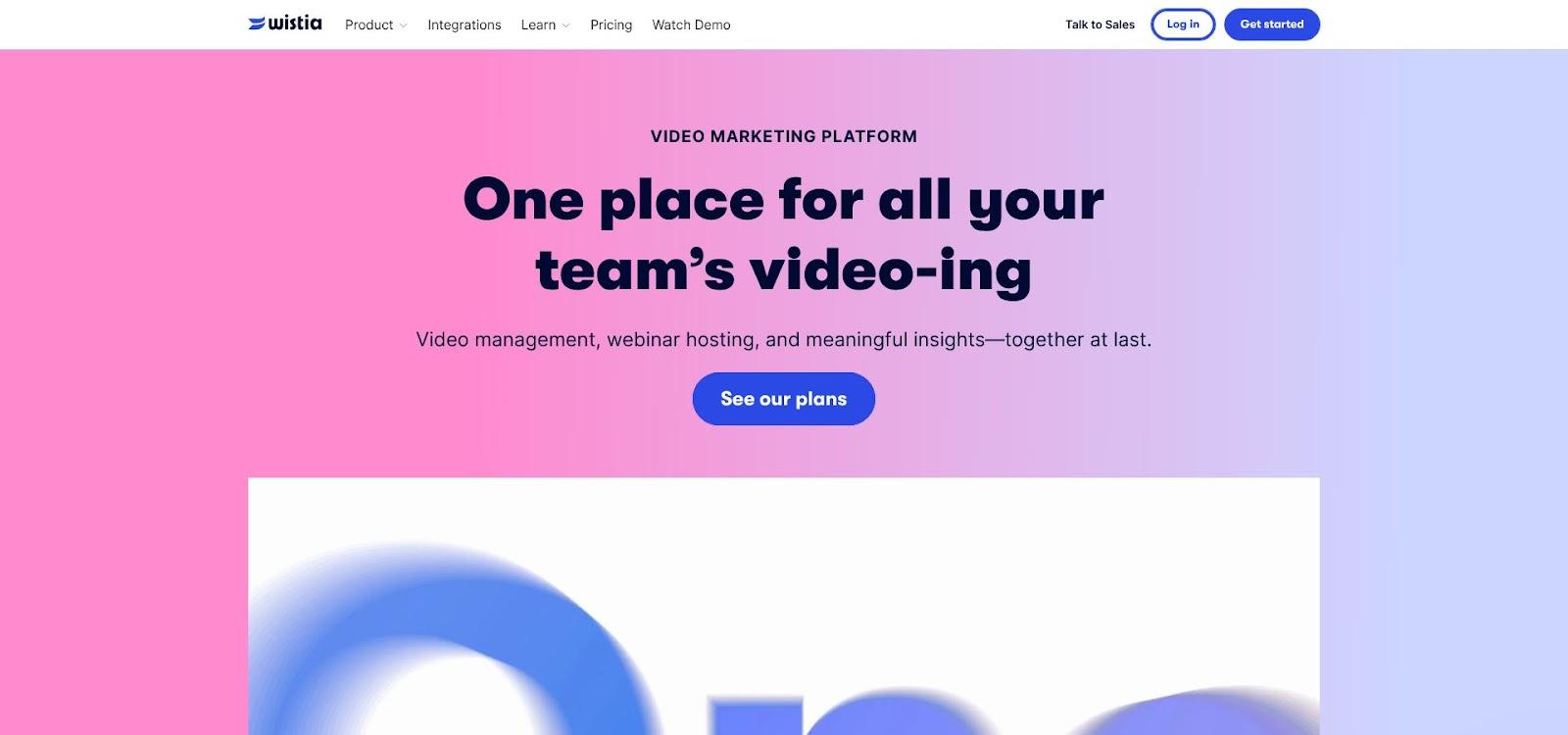
Wistia brandable video player and analytics screenshot
Wistia behaves like a tailored suit for video hosting. Everything about the player—color, controls, and thumbnail—matches your brand, so viewers feel as though they never left your site.
Polish is not the only draw. Wistia moved the industry from “just views” to actionable analytics years ago. Heat maps show where prospects pause, rewind, or exit, letting you trim weak moments and double down on hooks that keep attention.
According to MarTechCube, a 2025 update adds AI translation and voice-dubbing with lip sync, giving small teams a direct path to multilingual content without hiring voice actors. It is the first mainstream host to include this workflow end to end.
Pair those features with native integrations for HubSpot, Salesforce, and Marketo, and you have a hosting hub that looks sharp and feeds rich engagement data straight into your CRM.
If brand consistency is crucial, Wistia deserves a close look.
Wistia’s player blends into your site instead of feeling like an embed.
You can set colors, remove Wistia’s logo, and even switch control icons to match your palette. That keeps visual focus on your story, not the software.
Engagement layers help convert visitors. Add an email gate before or after playback, place a clickable annotation that jumps to a demo page, or add chapters so viewers can skip to the segment they need.
Analytics reach the individual level. Each viewer gets a heat map—a goldmine when you want to flag leads who replay pricing slides or exit at minute three. Those events sync to HubSpot or Salesforce in real time.
The new AI dubbing tool is more than a novelty. One click creates a Spanish, French, or German voice track that aligns with your speaker’s lips, opening doors to new markets without a reshoot.
Wistia’s free tier hosts ten videos with a visible logo—good for testing but not production.
The Pro plan is $99 per month. It removes Wistia branding, opens email gates and CTAs, and includes the first ten videos. Additional uploads cost twenty-five cents each month.
A library of 60 evergreen demos, for example, lands near $114 per month. While higher than Vimeo or Spotlightr at scale, Pro offers unlimited bandwidth and avoids per-user fees, so marketing and sales can share one account without multiplying the bill.
Bottom line: choose Wistia when pixel-perfect branding, heat-map analytics, and fast multilingual delivery outweigh budget constraints.
3. Vidyard – Best for Personalized Sales Outreach
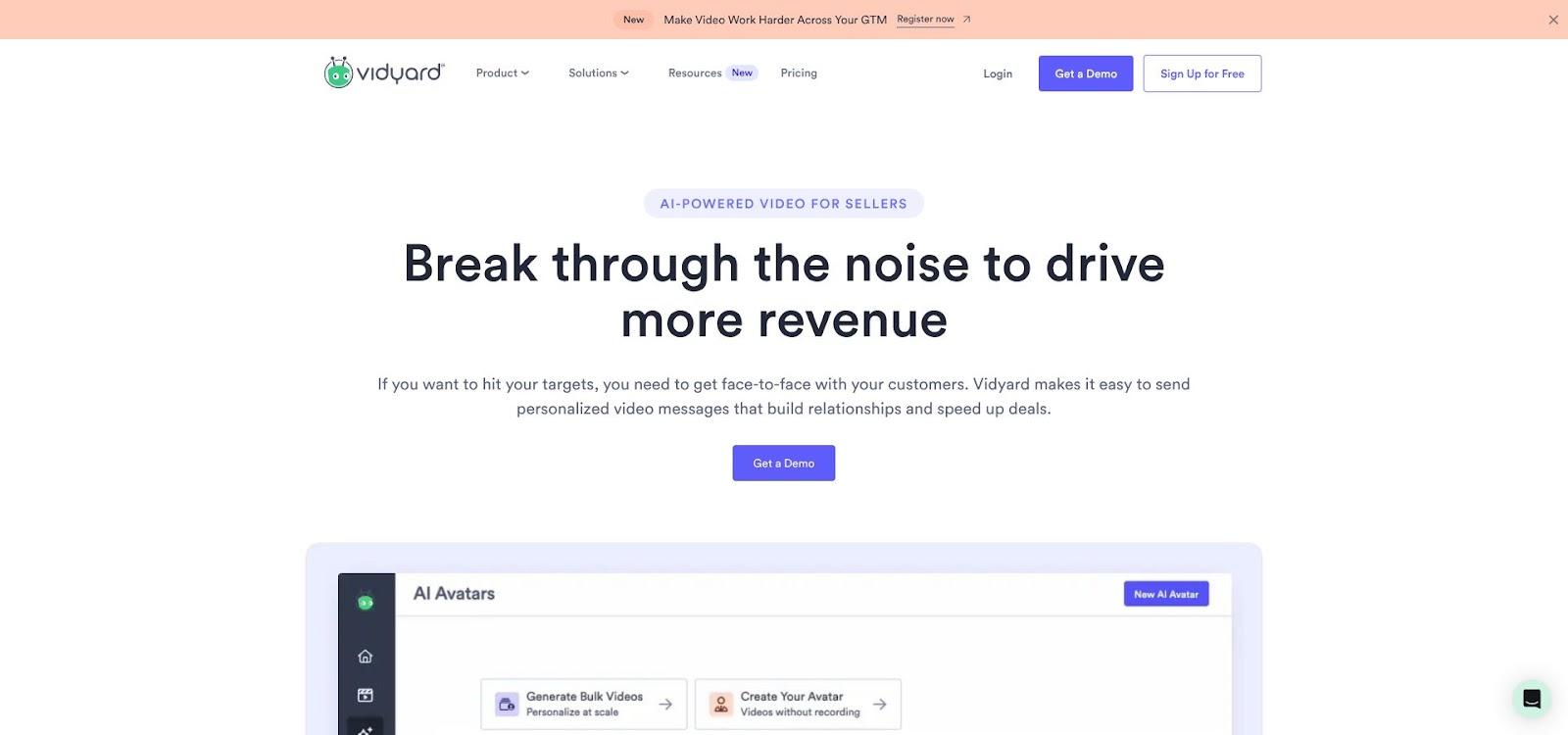
Vidyard personalized sales video email and landing page screenshot
Vidyard treats every sales email like a short TV spot.
Open your browser, press record, and seconds later a face-to-face message lands in a prospect’s inbox with an animated GIF thumbnail that invites a click. No studio or editing suite required—just human connection at scale.
The insight arrives after send. Vidyard tracks who watches, how long, and which moments prompt a replay. Those signals flow straight into HubSpot, Salesforce, or your inbox, so you know exactly when interest rises and follow-up should fire.
Unlimited free recordings make Vidyard the camera of choice for SDRs, founders, and account managers who want to rise above wall-of-text outreach.
Vidyard’s Chrome extension is simple. Click, count three, and you are recording a selfie bubble over your screen. That picture-in-picture style turns a proposal, demo, or quick thank-you into a personal message that takes less effort than writing a long email.
After upload, the platform creates an animated preview GIF and landing page. Both use your brand colors and logo, so the message looks polished. You can set the call to action under the player—book a meeting, download a case study, or start live chat—without code.
Analytics run at the viewer level. You see who opened, how long they watched, and whether they re-watched the pricing slide. Those data points sync to your CRM in real time, lighting up a lead score or triggering automated follow-up.
Vidyard keeps pace with AI. A script generator drafts talking points from a URL or bullet list, while the avatar feature lets camera-shy reps send a virtual spokesperson.
Integrations are deep and native: Outlook, Gmail, LinkedIn, HubSpot, Salesforce. Vidyard fits the tools sales teams already use, so adoption sticks and metrics flow without copy-paste work.
Vidyard’s free tier offers unlimited videos up to thirty minutes, basic analytics, and branded landing pages. Solopreneurs sending a few intros each week may need nothing more.
Growth comes with the Teams plan at $59 per user per month. The upgrade removes Vidyard branding, opens CRM integrations, and adds actionable CTAs under every clip. If one rep books even a single extra call a month, the subscription pays for itself.
Larger crews can negotiate volume discounts or choose Enterprise for advanced security and multi-team permissions, but most small businesses land comfortably on Teams.
Compare that spend to a LinkedIn InMail blast or a paid webinar slot, and Vidyard’s personal touch often wins on both response rate and budget.
4. Vimeo – Best for Affordable Ad-Free Hosting
Vimeo is the quiet professional in a noisy YouTube world. Its player streams crisp 4K without ads, suggested clips, or algorithmic side trips. Viewers stay focused on your message and remain on your page.
The service earned trust with filmmakers, then added business features: password protection, domain-level embeds, and end screens that guide viewers to a next step. Nothing flashy, yet everything needed for a clean, credible viewing experience.
That polish arrives at a price most owners can expense without hesitation. For about twelve dollars a month you get an unbranded player, generous storage, and bandwidth that never meters out.
If you value reliable, classy delivery over advanced marketing add-ons, Vimeo hits the sweet spot.
High-definition playback leads the list. The player adjusts bitrate on the fly, so 4K looks sharp on fiber and still loads smoothly on slower café Wi-Fi.
Privacy controls rank a close second. Lock a video to specific domains, add a password, or share it privately with a secret link—ideal for client approvals or paid course modules.
Basic marketing tools live under the hood. Add a custom end screen with buttons, capture emails before play on the Business tier, and drop chapter markers for long content. The analytics dashboard covers views, engagement graphs, and geography, enough for trend spotting if not individual lead scoring.
For live events, the Advanced plan turns Vimeo into a streaming stage. Broadcast a launch, record the session automatically, and publish the replay without exporting files or juggling platforms.
Integrations work smoothly with Wix, Squarespace, and most LMS or CMS systems via simple embed code. Creative pros have trusted Vimeo for years to make portfolios look gallery-ready; small businesses now inherit that same polish without hiring a developer.
The Starter plan costs $12 per month and removes ads while granting 5 GB of weekly uploads—enough for dozens of short promos or several longer tutorials each month.
Need more capacity or lead-capture forms? Standard is about $20, adds 20 GB per week, full player customization, and basic email gates. Step up to Advanced at roughly $50 for live streaming, team collaboration, and interactive end screens.
Caps reset weekly, so most small brands never hit a ceiling. Even if you publish a new 1-GB video every business day, Starter glides along without overage fees.
Compare that spend to a single boosted Instagram reel or an hour of freelance editing, and Vimeo repays in peace of mind alone. You get dependable, ad-free playback that never shows a competitor’s clip in the sidebar—an instant credibility lift for the price of the office coffee budget.
5. Canva – Best DIY Video Creator With Templates
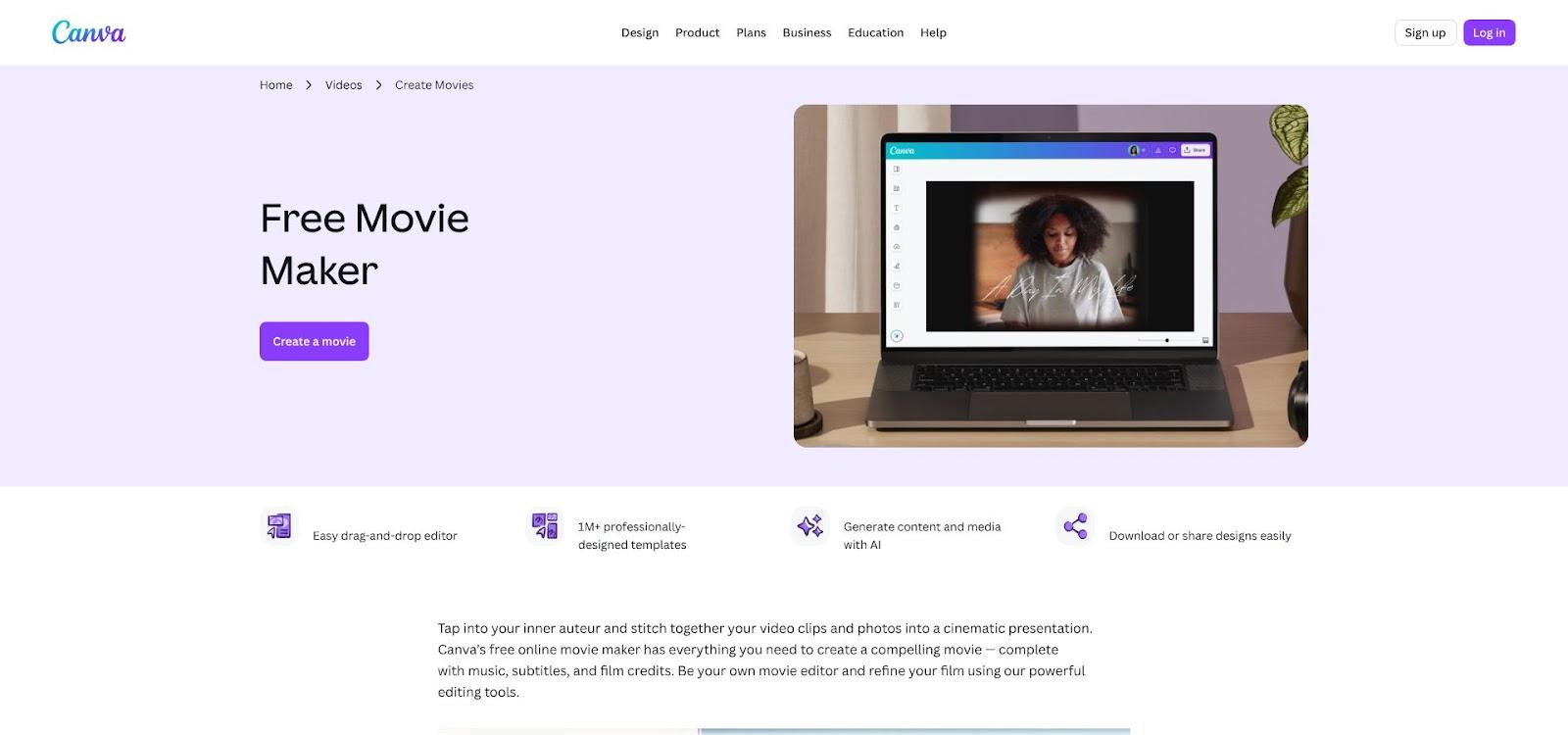
Canva video editor with templates and drag-and-drop timeline screenshot
Canva turned graphic design into a quick task; now it does the same for video.
Open a template, drop in your logo, tweak the text, and you have a finished promo in minutes. No complex timelines or export settings—just a storyboard view that feels like PowerPoint on caffeine.
Because Canva lives in the browser, you can switch between laptop and phone without breaking flow. Need to adjust a clip while waiting for a meeting? Two taps in the mobile app and the change is live.
The real draw is scale. Thousands of video layouts sized for Instagram Reels, LinkedIn feeds, and YouTube intros help you publish platform-ready assets fast. Consistent visuals turn scattered posts into a recognizable series.
If a blank screen in a pro editor feels intimidating, Canva provides a turnkey workspace—templates, stock footage, music, and animation tools—all inside an interface you already know from making social graphics.
Templates lead the experience. Choose “Product promo,” “How-to reel,” or “Event teaser,” and Canva pre-loads scene pacing, text animations, and royalty-free background tracks. Swap colors to your brand palette in one click with the Brand Kit, and every scene updates instantly.
The drag-and-drop timeline keeps edits simple. Need a voiceover? Record directly in Canva. Want captions? Auto-generate them and style the font like regular text. Magic Resize then outputs square, vertical, and widescreen versions—critical when one clip must appear on Instagram Stories, LinkedIn, and your landing page.
Stock assets run deep: millions of HD video clips, images, icons, and music beds come with Pro. You rarely leave the editor to hunt for B-roll or backing tracks.
Canva now records screen and webcam. Hit “Record” to capture a tutorial, overlay animated text, and publish without exporting to another tool. This blurs the line between quick screen shares and polished marketing pieces.
Team collaboration mirrors Google Docs. Teammates comment, suggest trims, or swap scenes live, shortening feedback cycles for remote crews. Small agencies juggling client approvals save days.
Canva keeps budgets calm.
The Free plan offers thousands of video templates, 1080p exports, and 5 GB of cloud storage. Many solo founders run full content calendars without entering a card.
Step up to Pro at $13 per month and capacity opens: unlimited Brand Kits, 100-million-plus stock assets, Magic Resize, background remover, and 1 TB of storage. One subscription covers up to five team members, so most small crews never outgrow it.
Larger departments can upgrade to Enterprise for workflow approvals and SSO, but that move is rarely needed until dozens contribute.
Compare the fee to one stock-video license or a day of freelance motion graphics, and Canva Pro pays for itself. Fast creation removes excuses to delay video; teams can test, revise, and publish without waiting on finance.
6. Wave.video – Best All-in-One Live, Edit and Host Suite
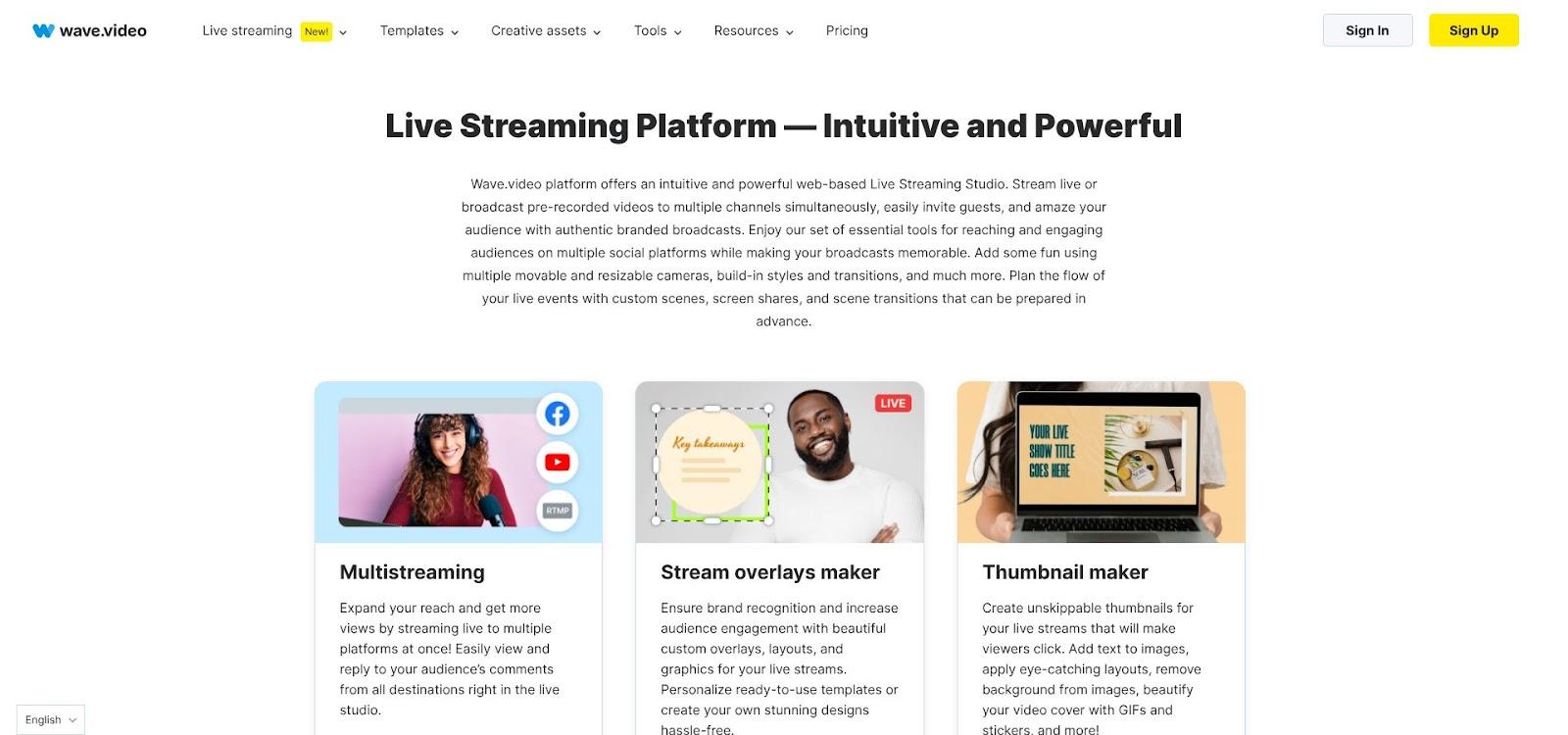
Wave.video live streaming studio and all-in-one video workspace screenshot
Wave.video brings live streaming, editing, and hosting into one browser tab.
Launch the workspace, stream a product launch to YouTube and Facebook, record the session in full HD, trim highlights for TikTok, design a thumbnail, and embed the replay on your site without switching tools.
This end-to-end flow saves real resources. Instead of juggling separate apps for live events, edits, and hosting, one platform handles everything. Fewer logins mean faster turnaround and lower subscription costs.
Wave’s interface feels familiar but adds live-production tools such as lower thirds, countdown timers, guest slots, and on-screen comments you can spotlight during Q&A. It is a control room built for marketers, not technicians.
If your calendar mixes webinars, social snippets, and an on-site video library, Wave.video pulls the sprawl into a single workspace.
Live Studio is the star. Schedule a stream, pick destinations, then drag branded overlays, split-screen guest views, and animated stingers as the show unfolds. Viewers see a polished broadcast; you see simple toggles.
When the stream ends, Wave saves the recording to your media library. Open it in the browser editor to trim dead air, add captions, insert stock B-roll, or place a clickable lower third that links to your offer page. Edits publish straight to the cloud with no downloads.
The hosting module completes the loop. You get an ad-free player, domain restrictions, and basic engagement stats. Embed once and any later edit updates automatically, so typo fixes never require a new upload.
A stock library of about 200 million clips, photos, and audio tracks keeps you inside Wave for assets. Need a guitar riff under your highlight reel? Search, click, done.
A thumbnail designer launches from any video frame, ensuring every upload lands with scroll-stopping art sized for YouTube, LinkedIn, or a blog hero.
The Streamer plan costs $16 per month (annual billing). It covers multistreaming in HD, 50 hosted videos, and bandwidth suited to mid-sized audiences.
Move to Creator at $24 to remove embed limits, jump to 200 GB of monthly bandwidth, access a larger stock library, and export without watermarks.
The Business package, near $48, adds 4K support, custom RTMP, priority chat, and shared brand presets, best for agencies or in-house media teams that ship content daily.
Wave replaces at least two separate tools—one for live events and one for hosting. Even if you stream a quarterly webinar and clip highlights for social, the bundle often costs less than paying those services separately.
For small teams chasing omnichannel reach, that consolidation saves both money and weekend hours. One login, one invoice, and your next launch event is ready.
7. Lumen5 – Best for AI-Powered Content-to-Video Creation
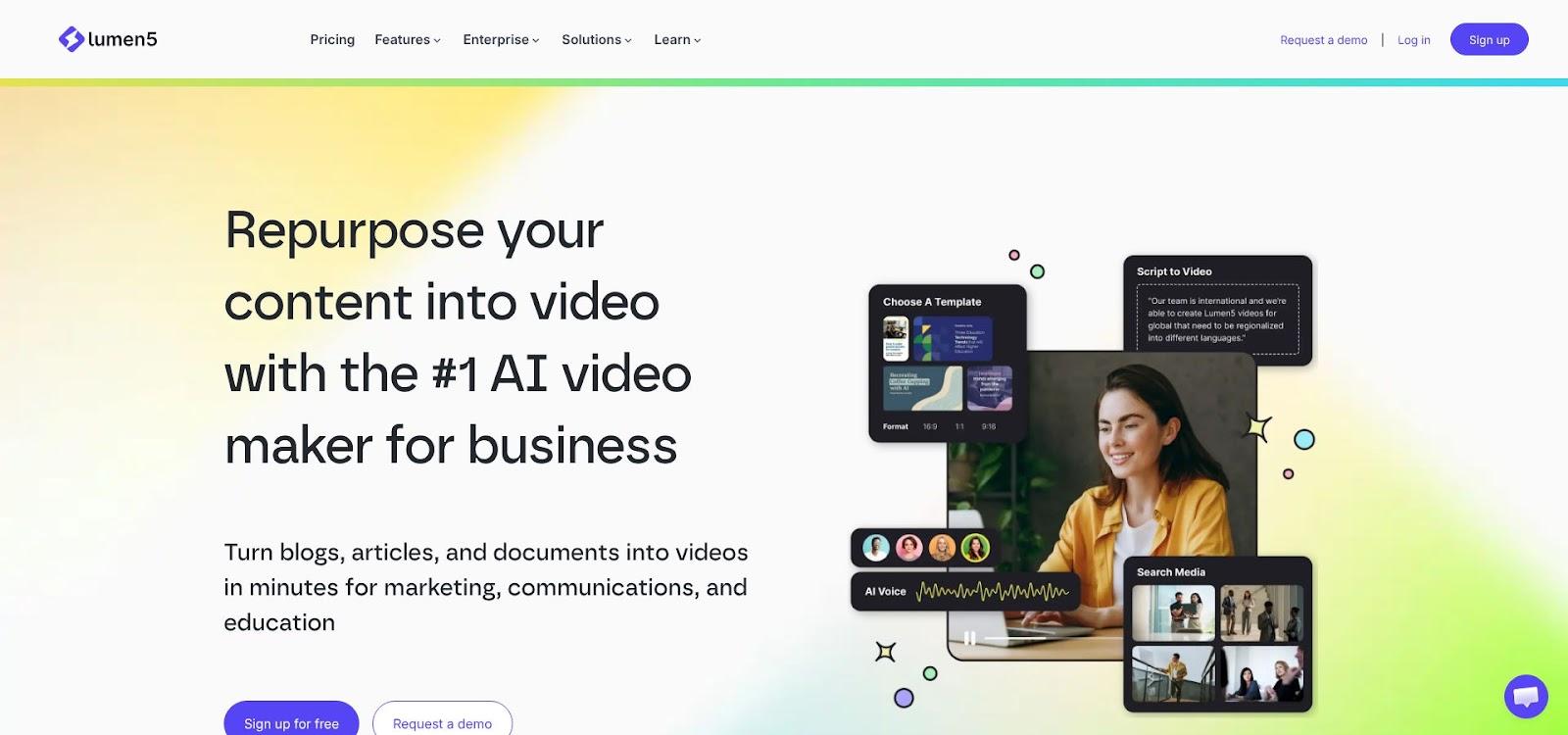
Lumen5 AI text-to-video storyboard interface screenshot
Lumen5 converts long-form text into snackable video in minutes.
Paste a blog URL and its AI pulls key sentences, drafts a storyboard, and matches stock clips with brand colors. No camera, script, or editor required.
This workflow solves the repurposing gap. Most small teams lack time to rewrite each post as a video script. Lumen5 handles the heavy lift, allowing you to fine-tune pacing or swap visuals instead of starting from scratch.
For content marketers sitting on years of articles, white papers, or webinar transcripts, this AI engine turns yesterday’s blog into today’s social teaser and tomorrow’s YouTube Short—produced in a fraction of the usual time.
The text-to-video engine parses copy, matches keywords to relevant stock media, and times each slide so on-screen text stays readable. You step in only to adjust: swap a clip, shorten a caption, or add your logo to the closing frame.
A voiceover generator adds narration in natural voices. Toggle languages and accents to reach new audiences without booking studio time. The narration length stays synced to slide timing, so scenes never drag.
Brand control runs deep. Load colors, fonts, and a watermark once, and every future video auto-applies the style. Consistency turns a scattered feed into a cohesive series.
Multi-format exports push one project out as 16:9 for YouTube, 1:1 for LinkedIn, and 9:16 for TikTok—no manual resizing. The platform even suggests optimal length for each channel based on engagement benchmarks.
The Community plan is free but watermarks exports and limits quality to 720p, ideal for testing the workflow.
Creators ready to publish move to Starter at $19 per month. Watermarks disappear, resolution jumps to 1080p, and 50 million stock assets open—plenty for a weekly content schedule.
Power users choose Creator ($59) or Premium ($149) for larger media libraries, longer videos, and multiple brand kits. Even at those tiers, Lumen5 costs less than a single freelance motion-graphics project.
One afternoon with AI-assisted production can surface a quarter’s worth of social clips, freeing your team to focus on strategy instead of timelines.









 Business Programs

Trackbacks & Pingbacks
[…] strategydriven.com […]
Leave a Reply
Want to join the discussion?Feel free to contribute!