 A VETERAN OWNED SMALL BUSINESS |

How Automated Endpoint Management Improves Business Efficiency
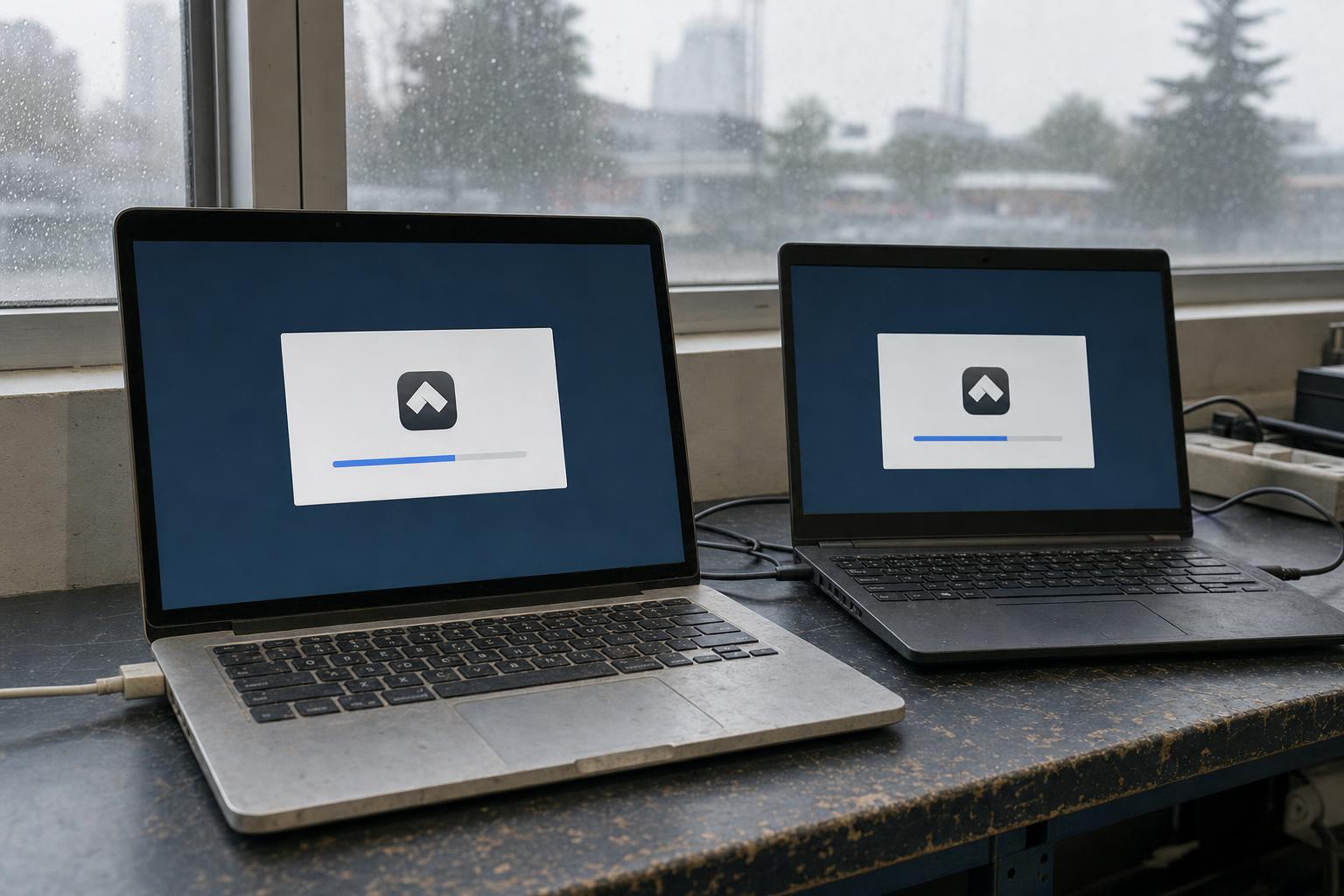
A missing application can stall a customer call. An overdue update can pull the owner away from billable work for an afternoon.
Neither problem looks big on its own, but together they add up to hours nobody budgeted for.
That is why small business device management matters even for a company with no IT department. An endpoint is any work device, such as a laptop or desktop, that connects to your business systems.
Automated endpoint management puts the routine care of those devices on a schedule, so updates, installs, and checks happen without someone touching each machine.
The practical path is simple: start with the most repetitive tasks, choose a tool that fits your devices, and test whether it actually reduces hands-on work.
- Manage routine work from one place. Scheduled updates and application installs cut device-by-device work, and remote access can replace many site visits.
- Match the tool to your devices. Check operating systems, work locations, and minimum purchase commitments before you buy.
- Measure before you expand. A small pilot with a simple scorecard shows whether hands-on time really fell.
Why Manual Device Care Costs More Than It Looks
Manual maintenance has two costs. The first is time: logging in to each computer, waiting for updates, and chasing employees who postponed a restart. The second is risk, because the devices that slip through are often the ones attackers find first.
Verizon’s 2026 Data Breach Investigations Report, which analyzed more than 22,000 confirmed breaches, found that exploitation of vulnerabilities was the initial access route in 31% of breaches.
That was up from 20% the year before and ahead of credential abuse at 13%. Analysis of the report’s data also showed organizations successfully remediated only 26% of the vulnerabilities on CISA’s Known Exploited Vulnerabilities list.
These figures describe the report’s dataset, not any single company’s risk. Still, they point to a pattern small businesses can act on.
The U.S. Cybersecurity and Infrastructure Security Agency (CISA) advises businesses to turn on automatic updates wherever possible and to use its Known Exploited Vulnerabilities catalog to spot urgent fixes. Patching belongs on the same checklist as the other security measures every business owner should consider, from access control to data backups.
Replace Repetitive Device Tasks With Repeatable Workflows
Automation starts with visibility. Before a tool can install anything, it needs an inventory: which devices exist, who uses them, what software is installed, and which updates are missing.
A central console gives an owner or an outside IT provider that list without walking around the office or asking employees to read version numbers over the phone.
A sensible first setup covers three things: automated patching, device visibility, and remote access. Treat that as a starting point, then check which tasks consume your own time.
Patching and vulnerability follow-through. Patch management means installing operating system and application updates. Vulnerability management goes a step further: it identifies known weaknesses, helps rank them by risk, and tracks the fixes.
Handling updates device by device means repeated logins, checks, and waiting. With automation, a policy applies approved updates on a schedule, and the console reports which devices completed them. Someone still needs to investigate failures and confirm the fixes took hold.
Consistent application deployment. New hires and new tools create the same chore: install an application on several computers with the same settings. A deployment workflow packages that installation once and sends it to a device group.
For a mixed Windows and macOS office, check whether one workflow covers both operating systems and the applications you rely on.
Remote troubleshooting. When a laptop misbehaves at home or at a client site, fixing it without remote access may mean a drive, a shipment, or a long phone call. Centralized remote management lets an administrator check device status, deploy patches, and open a remote session from one console.
This can avoid travel, although the time saved depends on the problem and whether the device is online.
| Task | Manual approach | Centralized workflow |
|---|---|---|
| Updates | Log in to each device and run updates one by one | Scheduled policy applies approved updates and reports completion |
| Application installs | Repeat the same installation on every computer | One packaged deployment sent to a device group |
| Troubleshooting | Site visit, shipment, or phone walkthrough | Remote session from a central console |
Choose Tools That Fit Your Devices and Budget
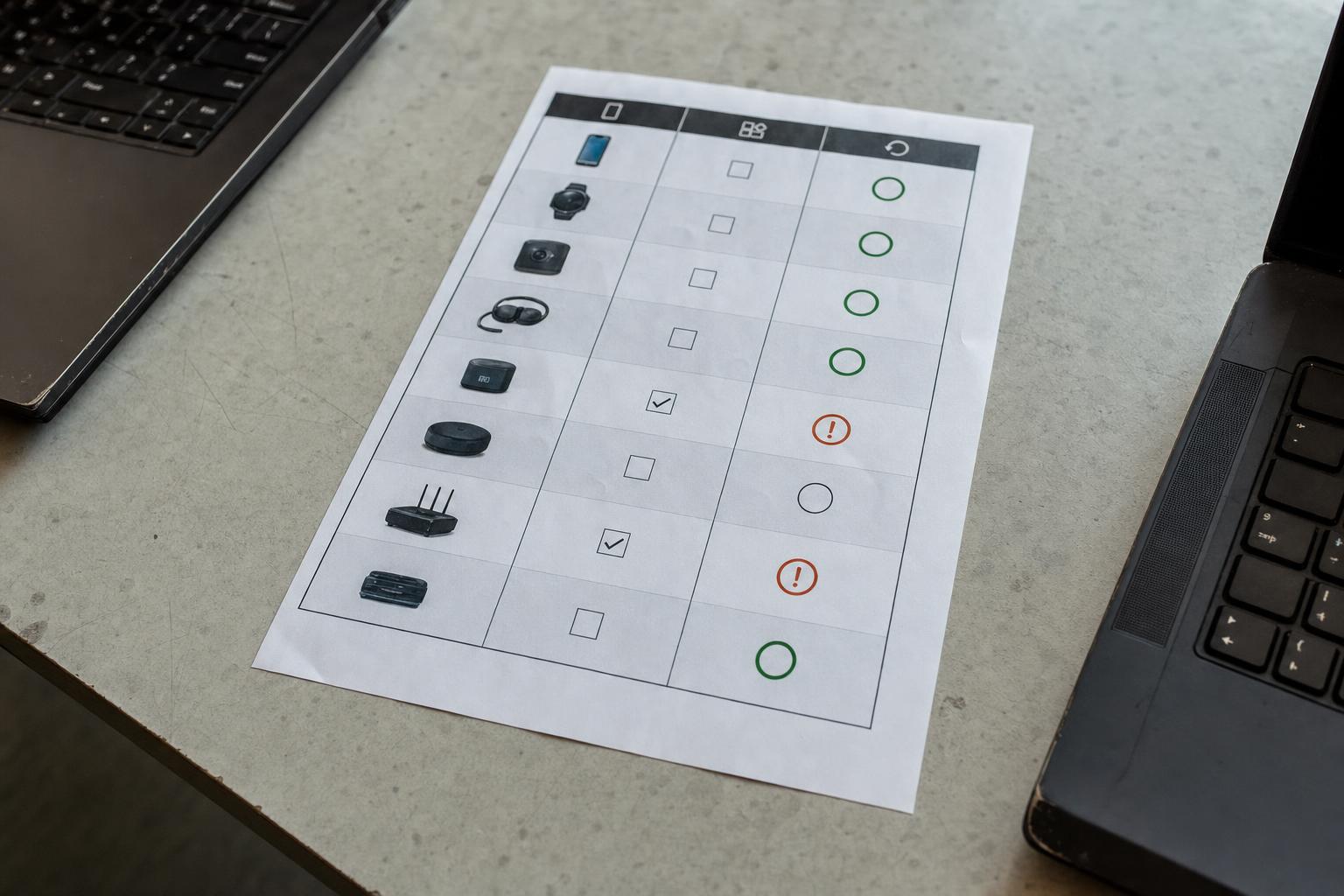
Evaluate device coverage, access, and total cost before comparing long feature lists.
Device and application coverage. List your operating systems and the business applications employees depend on, then confirm the tool can update both.
Check each workflow you need instead of assuming every feature works the same way across operating systems. On Macs in particular, ask whether the tool patches macOS itself or only the applications installed on it.
For example, PDQ offers cloud-based endpoint management for Windows and macOS devices, bringing patch management, software deployment, remote desktop, and vulnerability management into one console. Its pricing is published by plan: automated deployments and remote desktop start at the Plus tier, while vulnerability scanning, prioritization, and one-click CVE resolution are included in Premium.
For Windows networks that must stay on premises or fully air-gapped, the company also offers a self-hosted option listed at USD 1,950 per administrator per year before discounts.
Work location and access. If laptops leave the building, confirm the tool can reach them over the internet without a VPN. Check what permissions its device software needs and whether reports show results for each device. Include an off-site laptop in testing so you can see how the workflow handles devices outside the office.
Total commitment. Per-device pricing can hide a minimum purchase. The cloud plans described above carry a 100-device annual minimum, so a 30-person office pays for 100 devices either way.
Compare the full annual cost with the work you expect to reduce. Before buying another tool, check existing licenses: Microsoft 365 Business Premium, built for organizations of up to 300 users, includes Microsoft Intune, which may already cover part of this need.
Prove the Benefit With a Controlled Pilot
Compare the same maintenance task before and after automation. Assign one person, in-house or contracted, to administer the tool and review results. Use your own baseline rather than treating a vendor’s productivity claim as an expected result.
Record the baseline. Pick one repetitive task, such as monthly updates for a common application. For one cycle, note the hands-on minutes spent per device, how many devices were fully updated by the end, and how many support requests related to that task. Record employee downtime separately from administrator time so one improvement doesn’t hide another interruption.
Test a representative group. Choose devices that reflect the whole fleet: both operating systems if you run both, a laptop that works off-site, and a machine running a critical business application.
Endpoint management vendors commonly recommend the same approach for patches with known compatibility problems: test on representative devices first, then release in controlled waves. Watch restart behavior, since an update that forces a reboot mid-shift creates its own interruption.
Verify and investigate exceptions. Someone needs to review deployment results. Separate verified completions from offline devices, failed installs, pending restarts, and approved exceptions, such as a machine deliberately held back.
If the tool includes AI features, decide who may switch them on and keep a named person responsible for approving changes before they reach devices.
Compare the results. Fill in the scorecard using the same measures as the baseline. For a rough value estimate, multiply the hours saved per month by your own hourly labor cost. Compare that figure with the subscription cost and the labor needed for setup and ongoing administration.
Check whether employee downtime or support requests increased. Expand to more devices and tasks only after the results show an improvement you can explain.
A successful pilot is only useful if the process survives a busy month. Write down the schedule, the maintenance window, and the person who owns each task. Review exceptions monthly, and retire any manual step the tool now handles reliably.
When one task runs smoothly, add the next, such as onboarding a new laptop or removing software nobody uses.
Automated endpoint management improves business efficiency by turning scattered, interruption-driven device care into a predictable routine.
The gains come from three places: fewer hands-on minutes per device, fewer visits to fix remote laptops, and faster follow-through on the vulnerabilities attackers exploit most. Start with one task, measure it honestly, and let your own numbers decide how far to take automation.
1. Does a small business without an IT department need endpoint management?
It helps most once you have more devices than one person can comfortably check by hand, or employees who work away from the office. An outside IT provider can run the tool for you, but someone in the business should still own the results.
2. What is the difference between patch management and vulnerability management?
Patch management installs operating system and application updates. Vulnerability management identifies known weaknesses on your devices, ranks them by risk, and tracks whether they were fixed. The two work best together, because a ranked list tells you which patches matter first.
3. Can automation replace an IT person?
No. Automation handles repetitive work, but a person still approves updates, investigates failures, and decides how to handle exceptions.
4. How long should a pilot run?
Run it for at least one full update cycle. For most offices, one month is enough, since Microsoft releases its regular security updates on the second Tuesday of each month.










 Business Programs

Leave a Reply
Want to join the discussion?Feel free to contribute!